Free micro:bit lessons, ready for one Coding and Robotics lesson
Updated 3 min read
A box of micro:bits is only the start. The harder part is the first lesson: what to do in one period, with a full class, a few laptops and one projector. Our free micro:bit lessons are written for exactly that.
What is in each lesson
- A plan for one lesson, the way the DBE sets it out: an introduction with retrieval practice and a problem to solve, the lesson development and a consolidation, with timings. Learners plan on paper, predict what the code will do, then build it in pairs as driver and navigator; we are moving every lesson to this shape.
- Blocks first, as the CAPS does: step-by-step MakeCode instructions (which block, from which drawer) and the same blocks as text to paste. Python for the micro:bit Python Editor is there as an extension, beyond the CAPS.
- A Purple Mash route where 2Simple has a matching micro:bit unit or project, with our own steps for Free Code micro:bit.
- Everything around the code: learning intentions, key words, what you need, support and extension, informal assessment, common mistakes and how to fix them, and safety.
Pick a grade and a subject
The lesson finder lets you choose a grade from 3 to 9, a subject and a way to code. A Grade 3 class can start with a name badge or a beating heart. Mathematics teachers will find a dice that tests fairness, a times-table quiz and a reaction timer that ends in means and medians. Older learners can build a radio messaging system, a plant moisture checker or a data logger.
Blocks in MakeCode or Purple Mash, then Python
Every lesson works in Microsoft MakeCode, where learners drag blocks, as the CAPS expects. The Python tab is MicroPython for the micro:bit Python Editor: an extension beyond the CAPS, for Grade 7 to 9 learners who are ready. Purple Mash follows the UK school years, which run about one grade ahead of ours, so its Year 4 micro:bit unit suits roughly Grade 3 here. Where there is no Purple Mash match, the lesson says so plainly.
Mapped to the final CAPS
Coding and Robotics is a new subject. The Department of Basic Education has published the final CAPS for Grades R to 9 (2024 editions), replacing the 2021 drafts, and is phasing the subject into schools. Each lesson names the grade, term, topic and printed page it matches, with the CAPS's own words. We say aligned only when every objective matches CAPS content for that grade and term, and otherwise fits or supports.
Is our classroom too loud?
One lesson turns the micro:bit V2's microphone into a sound level meter, so learners can measure their own classroom during silent reading, group work and a class discussion, and suggest what would make it calmer. It is a natural start to a conversation about classroom acoustics.
Getting started
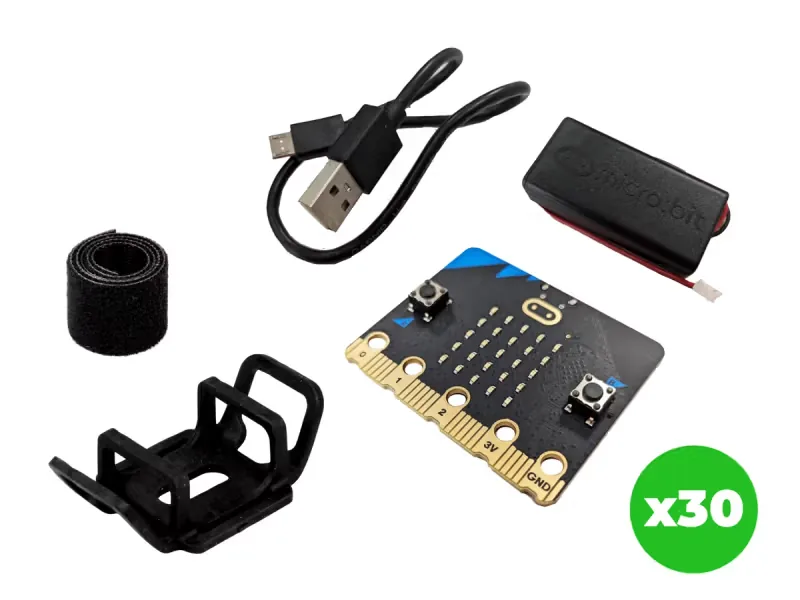
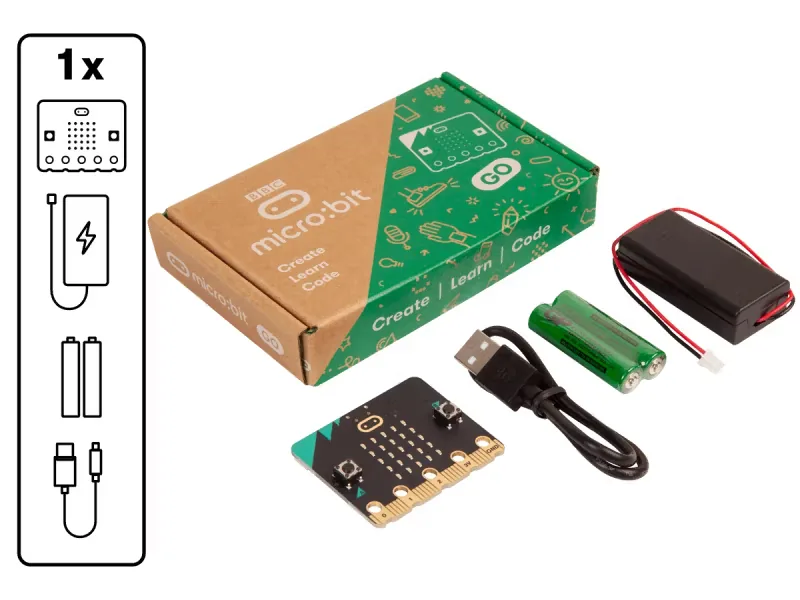
You need a micro:bit per learner or pair, a USB cable and a computer with Chrome or Edge. We supply BBC micro:bit V2 kits, from one board to a classroom pack of 30, and run micro:bit teacher training so your staff can teach the first lesson the next day.