BBC micro:bit V2 Go
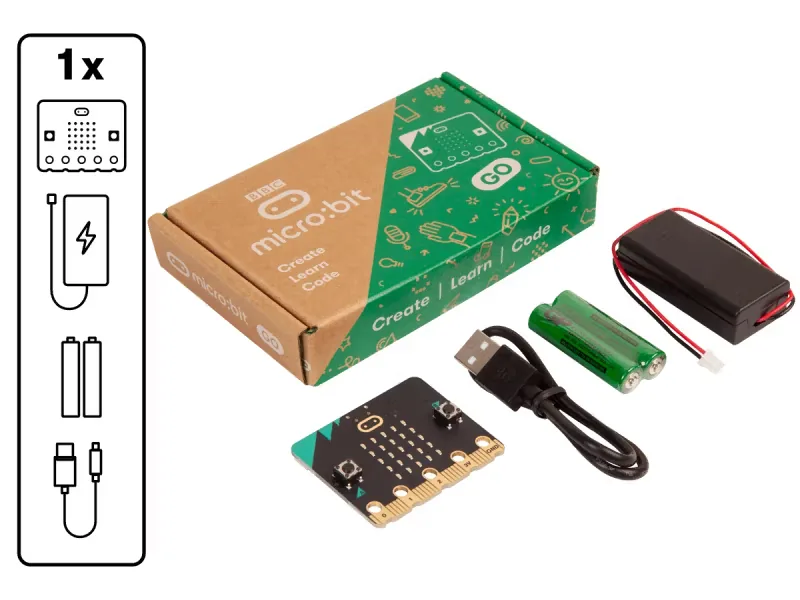
The starter kit for one learner
R 403excl. VATR 463,45incl. VAT
We sell it because of what it does for learners. It is affordable, it works wherever your school is, and it grows with learners from their first blocks of code to Python.
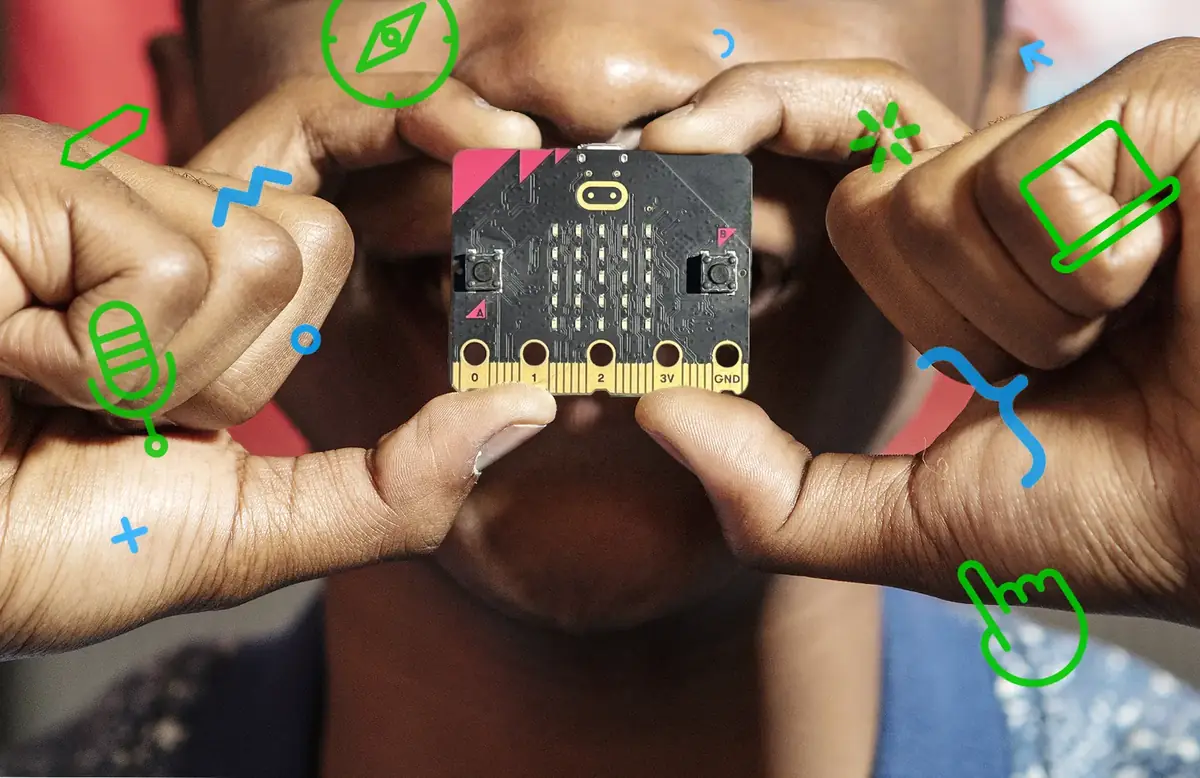
A BBC micro:bit V2 fits in a learner's palm, and it is packed with sensors, lights, sound and radio. One board takes a class from a first scrolling name in Grade 3 to real data projects and robots by Grade 9.
Twenty-five red lights for pictures, scrolling words, games and graphs.
In class:Scroll your name and draw a mood face on day one.
Buttons A and B, plus a gold logo on the front that senses a finger.
In class:Build a quiz buzzer for class revision.
Senses movement, shakes, tilts and falls.
In class:Build a step counter in PE.
A magnetometer that knows which way is north and senses magnets.
In class:Find north on an orienteering walk in Geography.
Reads how warm it is around the board.
In class:Compare a sunny and a shady spot in Natural Sciences.
The LED display doubles as a light sensor.
In class:Make a night light that switches itself on.
Hears how loud it is, with a light that shows when it is listening.
In class:Make a noise meter that warns when the class gets loud.
Plays tunes, sound effects and expressive sounds, no headphones needed.
In class:Compose a short tune in Creative Arts.
Boards send numbers and messages to each other across the room.
In class:Run a class vote, or send secret messages between groups.
Talks to phones and tablets, and can be coded from one.
In class:Code the board from a tablet with the micro:bit app.
An edge connector with rings for crocodile clips, for sensors, motors, servos and robots (motors need an add-on board).
In class:Wire up a soil moisture sensor, or drive a buggy in Technology.
Two AAA batteries are all it needs once it is coded, so it goes anywhere.
In class:Take it outside for experiments on the sports field.
Records sensor readings on the board itself, then opens them as a table and a chart.
In class:Log the classroom temperature overnight, then graph it in Maths.
display.scroll("Hi")Real text code in the micro:bit Python Editor, when learners are ready.basic.showString("Hi")MakeCode turns the same program into JavaScript at the press of a button.V2 marks what is new on the micro:bit V2, the board in every kit we sell.
Each lesson is laid out the way the DBE plans one: learning intentions, a timeline, build steps beside the code, support and extension, and its place in the final Coding and Robotics CAPS. Grades 3 to 9, in MakeCode blocks, with a Purple Mash route where 2Simple has one and Python as an extension.
A first program: the micro:bit says hello, then shows the learner's name at the press of a button.
Coding and Robotics
MakeCodePurple MashPython
Shake the micro:bit to roll a number from 1 to 6, then roll 60 times and test whether the dice is fair.
Mathematics · Coding and Robotics
MakeCodePurple MashPython
Learners build a sound level meter with the micro:bit V2's microphone, measure their classroom and suggest ways to make it calmer.
Natural Sciences and Technology · Natural Sciences · Mathematics · Coding and Robotics
MakeCodePython
Prices are shown excluding and including VAT. Pay by card or on a school purchase order. Courier or collection available.
The starter kit for one learner
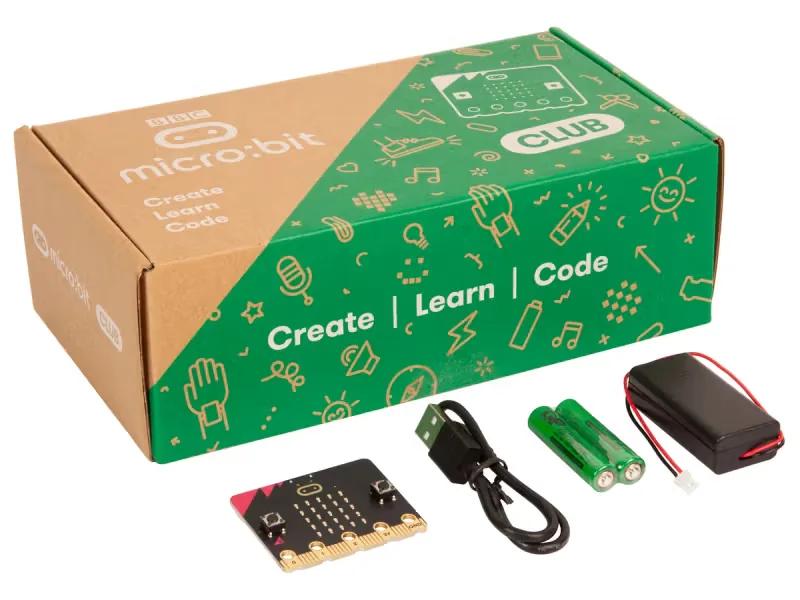
Ten Go kits for a coding club or a small group
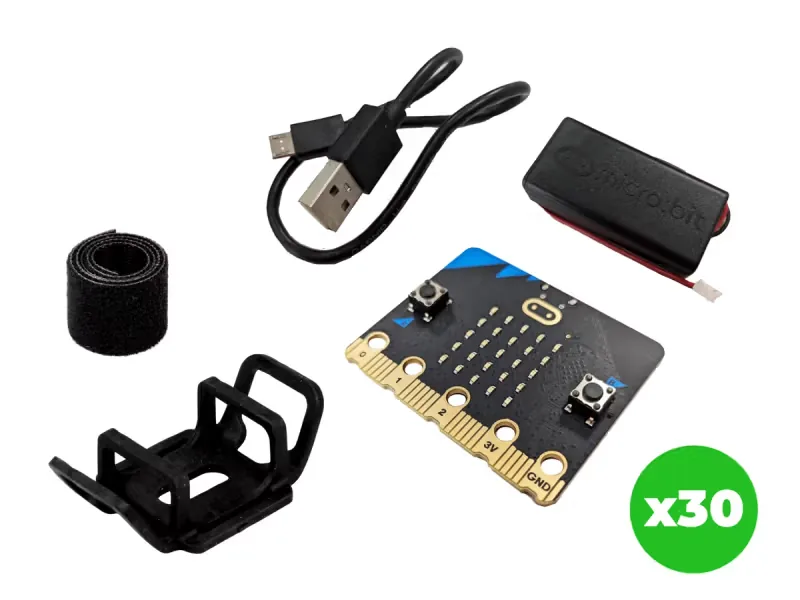
Everything for a full class, in one storage tray
Buying for a child at home? Start with the micro:bit Go kit: a board, a USB cable, a battery holder and two batteries. Our free lessons work at home too, in a web browser. See the free lessons →
From Grade R to Grade 7, learners plan a route, give Mai-Z its instructions and watch it follow them, then find and fix what went wrong: sequencing and debugging, long before anyone types code. Mai-Z comes from 2Simple, the UK company behind Purple Mash, and is built by Kitronik. Each robot runs on a micro:bit V2.
Sensors underneath follow the track on the line-following poster.
A distance sensor spots what is ahead, and edge sensors notice the end of the table.
Four colour lights and a speaker that learners code to flash and play sounds.
A pen fits in the middle, so a route becomes a drawing on paper.
A scoop at the front pushes a table tennis ball, for a game of robot football.
Screen-free blocks, 2Code in Purple Mash, then MakeCode blocks or Python on the micro:bit.
36 floor tiles of roads, corners and places to drive to, in every Class and Group Set.
Up to an hour on charge, then more than six hours of lessons, depending on use.
For Grade R to Grade 7, in the coding and robotics strands of the Coding and Robotics CAPS. Schools with Purple Mash also get units of work, lesson plans and slideshows for each grade.
Coming soonCoding with robots from Grade R to Grade 7? Mai-Z is coded with 2Code in Purple Mash, and Purple Mash Coding and Robotics, a new platform just for coding and robotics, is coming soon.Ask to hear first →
A practical session for teachers who are new to the micro:bit. We unbox a kit together, write a first program in MakeCode and plan a lesson your staff can run the next day. In person or online, no coding experience needed.
Book a date →
Ordering for a whole school? Add the kits to your cart and send it as a purchase order. We email you a quote to approve. Once you confirm it, we invoice and deliver.
Send it as a purchase order →Both are shown: each price excluding VAT and including VAT at 15%. Your tax invoice shows the VAT separately.
Yes. Choose "Order on a purchase order" and we email you a quote to approve. Once you confirm it, or send your purchase order, we invoice and deliver.
Courier or collection available. You can collect from us in Johannesburg, or we courier to your school and confirm the courier cost before anything is charged.
Yes. Book a micro:bit teacher session and we show your staff how to run a first lesson with MakeCode, no coding experience needed.
micro:bit is a trade mark of the Micro:bit Educational Foundation, and BBC is a trade mark of the British Broadcasting Corporation. Maze Education is an independent reseller of genuine BBC micro:bit products. Our teacher training and our other products and services are our own, and are not endorsed by the Foundation or the BBC.
Tell us your grades and how many learners, and we help you choose the kits and plan the first lessons.
Prefer to pick a time? See the calendar →